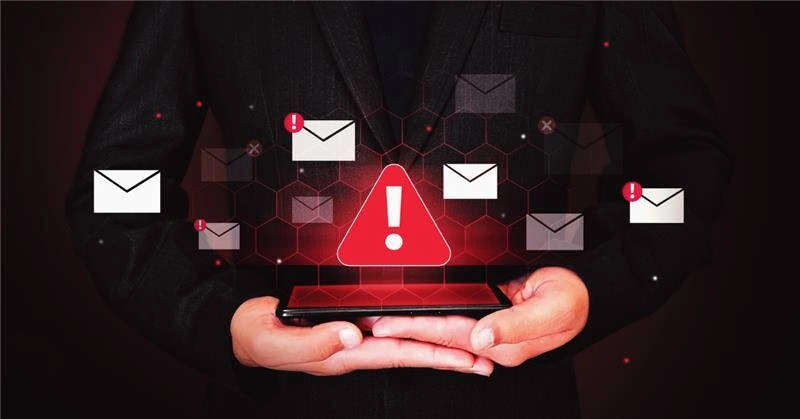
Some phishing emails are easy to catch. Others look just like real messages from trusted tools like Microsoft 365. That’s why it helps to know what to look for.
For leaders of Minnesota businesses and nonprofits, understanding how fake emails work isn’t about learning tech, it’s about protecting operations and making informed decisions.
Here’s a real phishing email example we recently saw at CSI Tech Corp, and how you can break it down with a practical lens.
Real Example: 5 Things That Didn’t Add Up
This email looked polished. Microsoft branding, clear layout, and a simple request to “verify identity.” But a closer look revealed a few inconsistencies:
1. The Sender Address Looked Off

It came from MSalerts@pcsupport.fr. Microsoft doesn’t send alerts from outside domains. A quick check of the sender’s address often gives you a clue.
2. No [EXTERNAL] Tag
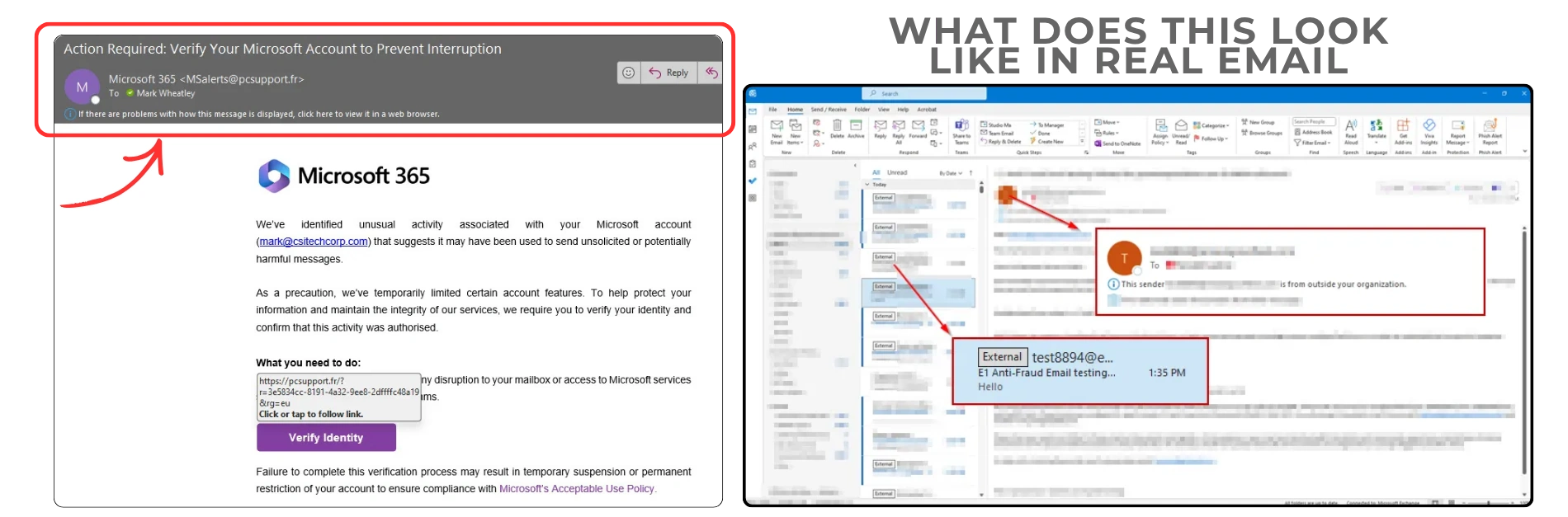
Most email setups mark outside messages with a tag like [EXTERNAL]. This one didn’t have it, which raised questions.
3. The Link Didn’t Match the Brand
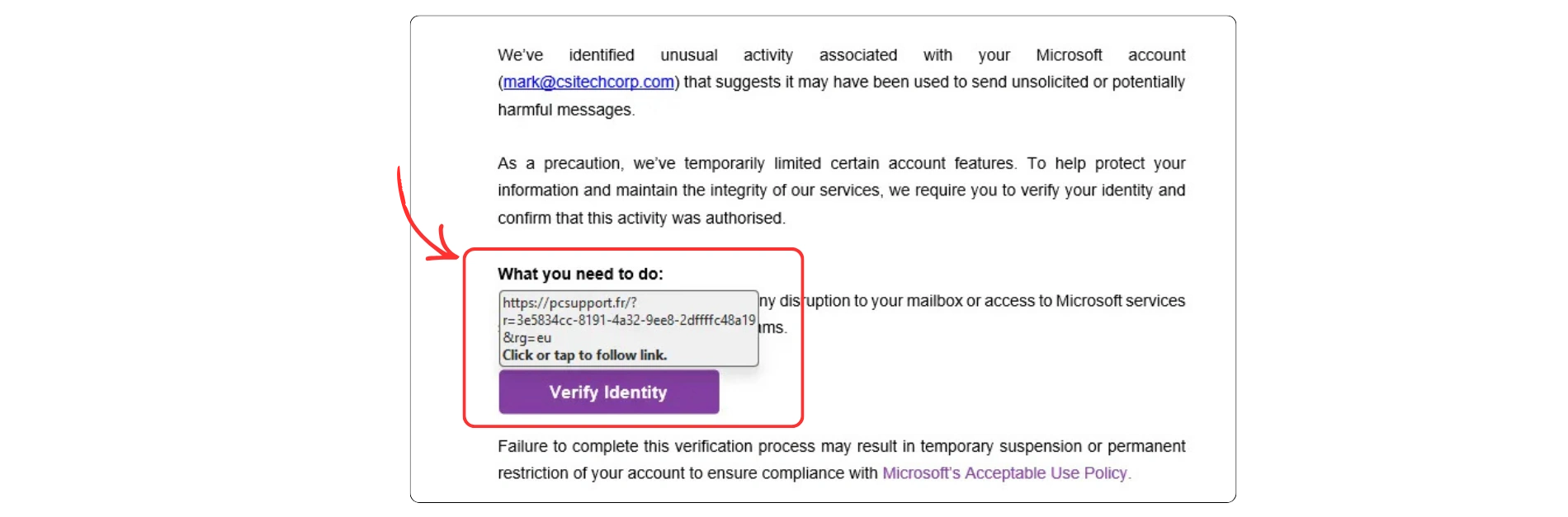
Hovering over the button showed a web address that didn’t lead to a Microsoft site. No need to click, just hovering is often enough to verify.
4. The Language Was Designed to Hurry
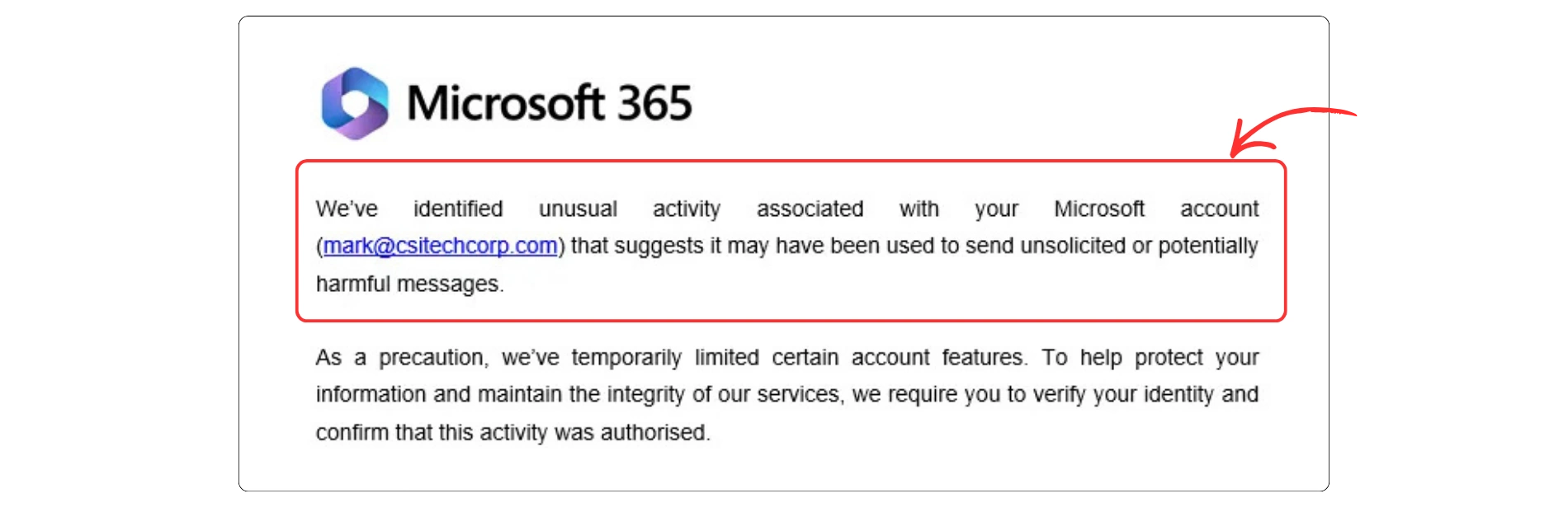
The message said account access was “limited” and asked for immediate action. That’s not how Microsoft typically communicates. Real notices tend to include more context.
5. It Looked Highly Polished
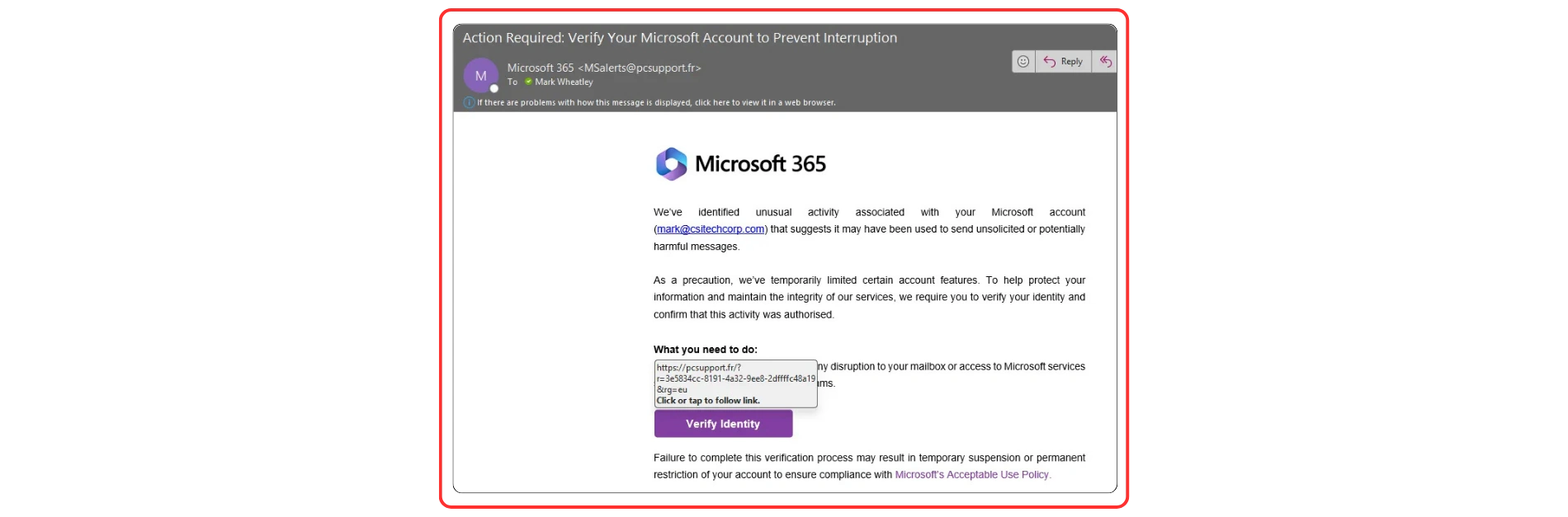
Good design builds trust and that’s why attackers use it. A clean layout is not a guarantee that the message is real.
What You Can Do as a Leader
You don’t need to become a cybersecurity expert, just help build habits that keep your team informed:
- Encourage staff to pause and verify messages that seem urgent
- Set up a clear internal process to report suspicious emails
- Work with your IT provider to review email security settings
If a message raises questions, it’s always better to check than to guess.
Local IT Support That Keeps It Simple
At CSI Tech Corp, we support local organizations across the Twin Cities with practical, community-first IT solutions since 2004.
Here’s How We Help:
- Managed IT Support – Consistent help desk and systems support
- Email Security & Monitoring – Keep threats out of inboxes
- Staff Awareness Training – Simple tips for real-world situations
- Cloud & Tech Planning – Scalable infrastructure, tailored to you
We’ve worked with Minnesota teams since 2004. From nonprofits to legal firms to clinics, we focus on reliability, clarity, and strong partnerships.
Build Confidence, Not Fear
Phishing emails are part of the modern inbox. The more your team knows what to look for, the more confident they’ll feel managing daily tech.
If you’d like a local IT partner to help you review your current tech setup or train your team in practical ways, we are here for that.
📞 Contact CSI Tech Corp to get a complimentary consultation with our expert.